
More customers. More loyalty. More sales.
More than a QR menu: a platform that connects your restaurant's customers with your Google reviews and your socials.
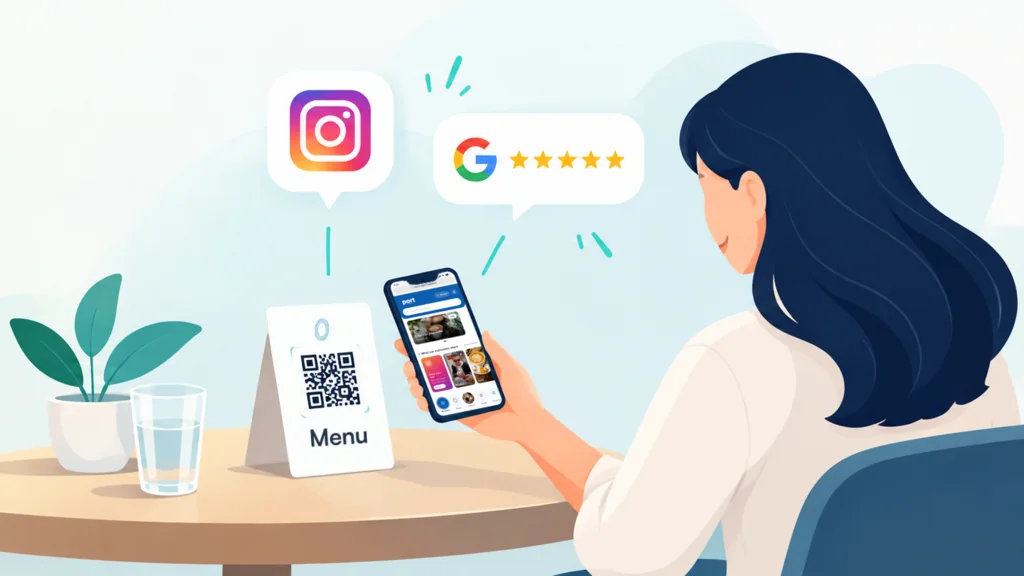
They loved it… and nobody will ever know.
Your guests have an amazing time and leave happy… and that's where it all stops: no review, and the photo they took stays on their phone. The reputation you earned walks right out the door.
See our solution in action.
- A menu with your brand, your photos and your deals
- 5-star Google reviews
- Your customers' stories on your socials, for free marketing
Here's how your menu looks

 DEAL
DEAL2-for-1 on your order
This week only
The dishes, categories and photos are just examples: your menu is built with your own.
Everything it takes to make your best moments count.
One tool that turns every happy visit into reviews, followers and content — almost on autopilot.




 Chicken parmesan$18.50
 NY strip steak$32.00
 Beef empanadas (x3)$12.00
Socials that fill up with your customers
Your customers post stories to get featured on your menu — and when they do, they tag and mention you: free marketing, every visit turns into content. And new guests see the real dishes in photos and videos from other diners, so they order with more appetite and more confidence.
Chicken parmesan$18.50NY strip steak$32.00Beef empanadas (x3)$12.00Google reviews at just the right moment
Reviews are front and center the moment guests open the menu, and the button is always within reach. If a customer opens the menu again an hour later — when they're already having a great time — a small “leave us a review” prompt invites them at exactly the right moment. Zero friction: the review lands at the peak of the experience.
Chicken parmesan$18.50NY strip steak$32.00Beef empanadas (x3)$12.00How was your visit?
Your brand, in every detail
Add your products with your own photos; the menu carries your logo and your colors. The banners are yours: deals, launches or giveaways that get people spreading the word, leaving reviews or posting stories with your brand. And if tourists walk in, your menu can be read in English, Spanish, Portuguese and Chinese: English is the original, you switch on the other three and they translate themselves — fix anything you don't love — and each customer picks their own from the menu. Fully customizable, no code.
- Español
- English
- Português
- 中文
Follow + review
Chicken parmesan$18.50NY strip steak$32.00Beef empanadas (x3)$12.00Plugs in without touching your operation
It's a read-only menu: it doesn't touch your POS, your kitchen or the way you work. It's not an ordering system and it takes no commissions — it's an add-on that's up and running in minutes. Put the QR on the table and it's live, no staff training needed.
Bring your menu, however you have it
Snap a photo of your menu and the AI assistant builds your categories and products, or bring it from an Excel file or your Rappi or PedidosYa store in Argentina. You approve every change before it goes live.
 Hi, Northside Diner
And you run it in minutes
Wherever it lives
Photo, Excel, or Rappi and PedidosYa in Argentina.


Studio-style photos
AI improves the light and background of your photos, and you pick which one stays.
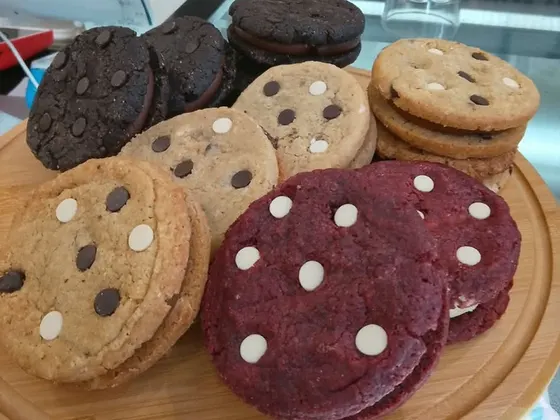
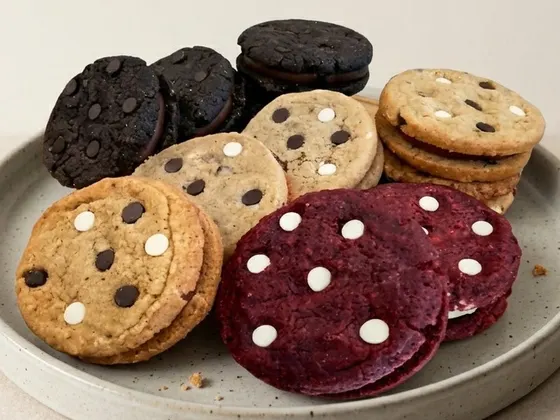
No photos? Classic dishes come with one.
Instant changes
Change it and the QR already shows it.

One plan. Everything included.
Then USD 20/month + taxes
- Your menu with your logo, your colors and your deals
- Google review engine
- Instagram and TikTok follow buttons plus customer stories
- Your menu in English, Spanish, Portuguese and Chinese
- 50 AI photo enhancements a month, on us
- Print-ready QR code
- Everything included, no contract.
No credit card required.Use all 14 days, then decide whether you want to keep going.
Questions we hear all the time.
Do I have to use every Portalic feature?
No — use the ones you want and switch off the rest in one click. Reviews and socials are turned on or off from your dashboard: you can start with just the menu and switch the engines on at your own pace, or use them all from day one. Portalic adapts to your restaurant, not the other way around — and whatever you switch on, the price is the same: one plan with everything included.
Do I need to change my POS or ordering system to use Portalic?
No. Portalic is read-only: it doesn't touch your POS, your kitchen or the way you take orders. It's an add-on that fits into how you already run things. Put the QR on the table and it's live, with no staff training and nothing to change in what you already do.
How long until my menu is ready? Do I need to be tech-savvy?
Your menu is ready in minutes, not days. Bring your menu however you have it — photos, a PDF or an Excel sheet — and the assistant drafts it for you to review and confirm. You can also pick the classic dishes from our photo library and, in Argentina, copy your menu from your PedidosYa or Rappi store. Then you choose your colors and logo from the dashboard. No technical skills needed: if you can post on Instagram, you can use Portalic.
Can I update prices and dishes myself? Do changes show up instantly?
Yes. Change a price, add a dish or mark something as sold out from your dashboard, and the menu updates instantly for everyone who scans it. Nothing to reprint, no one to wait on.
Do my customers need to download an app to see the menu?
No. The menu opens in the phone's browser as soon as they scan the QR with their camera. It works on any phone, with no sign-up and nothing to install.
How do I print my menu's QR code?
You download it from your dashboard, ready to print: a PDF with an 8×8 cm sticker, an A4 sheet of several with cutting guides, or a size of your choosing. You can also get it as a PNG or SVG for screens and social media. If you like, add a title above it and your logo in the center; otherwise it's just the code. It's a single QR for the whole restaurant — no need for one per table.
Can I share my menu on Instagram, TikTok or WhatsApp?
Yes: your menu has its own link (menu-digital.app/your-restaurant), which you copy from your dashboard and put in your Instagram or TikTok bio, add as the menu link on your Google Business Profile, or send in a WhatsApp message. It's the same menu the QR opens, with your photos, your prices and your colors, and it's always up to date: whatever you change in your dashboard changes for everyone who opens the link too. That's why it's a digital menu, not just a QR menu: it works at the table and beyond your doors.
Can my menu be shown in other languages?
Yes: your menu can be shown in English, Spanish, Portuguese and Chinese. English is the original and is always on; the other three start switched off, you turn them on from your dashboard, and the translation happens automatically, without you writing a thing. If something doesn't read the way you like, you can fix it, and you can keep a dish's name exactly as it is: Philly cheesesteak, Buffalo wings, Big Joe's Burger. Your customers pick their language from the globe icon at the top of the menu. Prices are shown in your menu's currency — US dollars — and are never converted, and your restaurant's name is never translated.
Does it work for bars, cafés and restaurants, big and small?
Yes, for both — and for different reasons. For a specialty café or a neighborhood restaurant, Google reviews and social followers are marketing you don't have to pay for. In a large dining room, volume is what counts: the more people pass through your tables, the more reviews there are to ask for in the moment — and a long menu is exactly where photos, search and languages make a difference. The QR, the dashboard and the price are the same for everyone.
What statistics do I see in my dashboard?
You see how many people scanned your QR, how many tapped “Leave a review”, how many clicked through to your socials, and which dishes on your menu get viewed the most. Everything that happens on your menu, in one place.
How do I get more Google reviews for my restaurant?
The most effective way is to ask at the right moment: while the customer is still at the table, happy. Portalic shows the invitation to leave a review inside the QR menu, after the customer has already browsed your menu. Restaurants that ask for the review during the visit get far more ratings than those that ask later by email or text, once the moment has passed.
Is there a contract, or can I cancel anytime?
There's no contract: you can cancel anytime from your dashboard. If you cancel partway through a month you've already paid for, your menu stays live until that period ends.

